Digitized Ink Co.
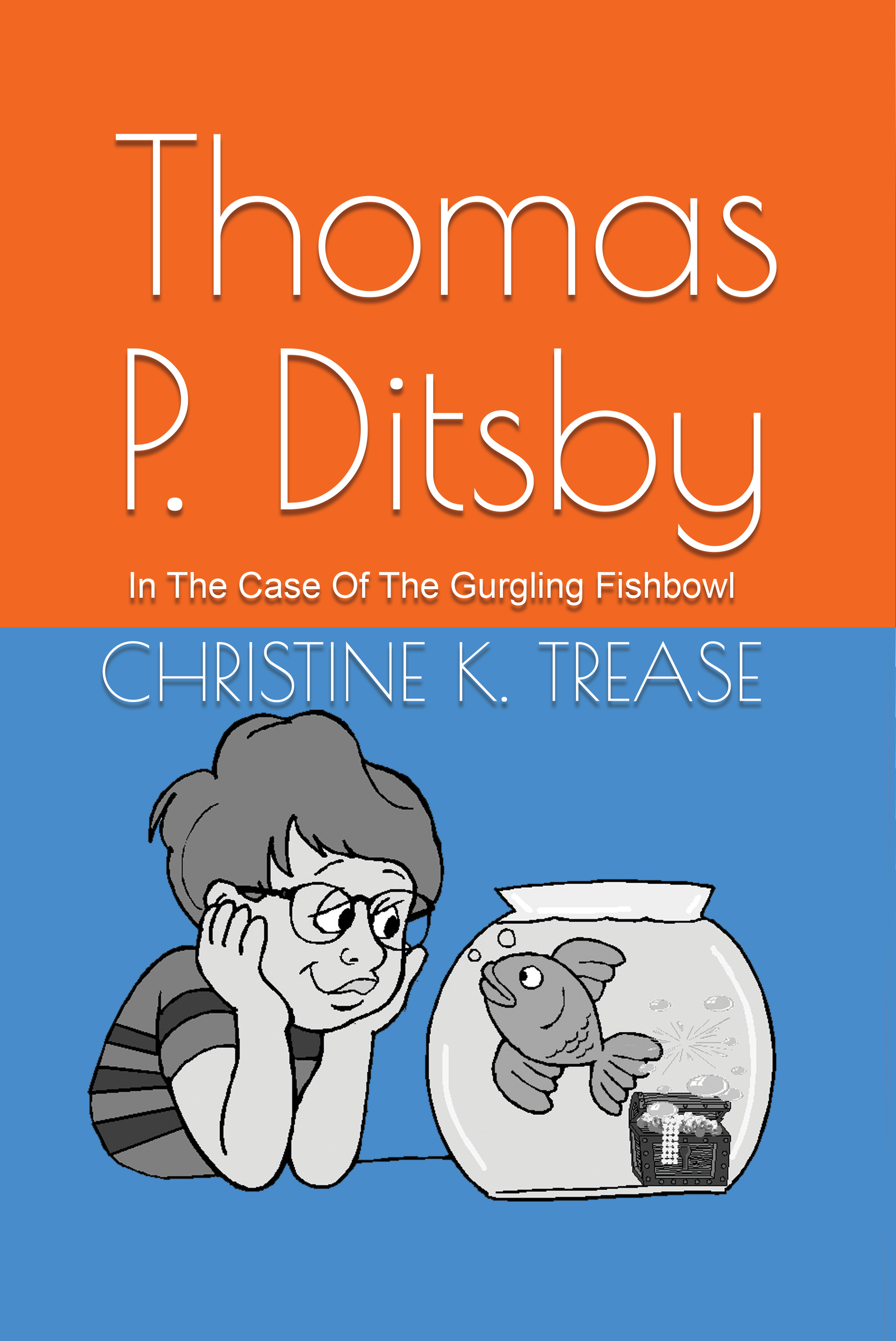
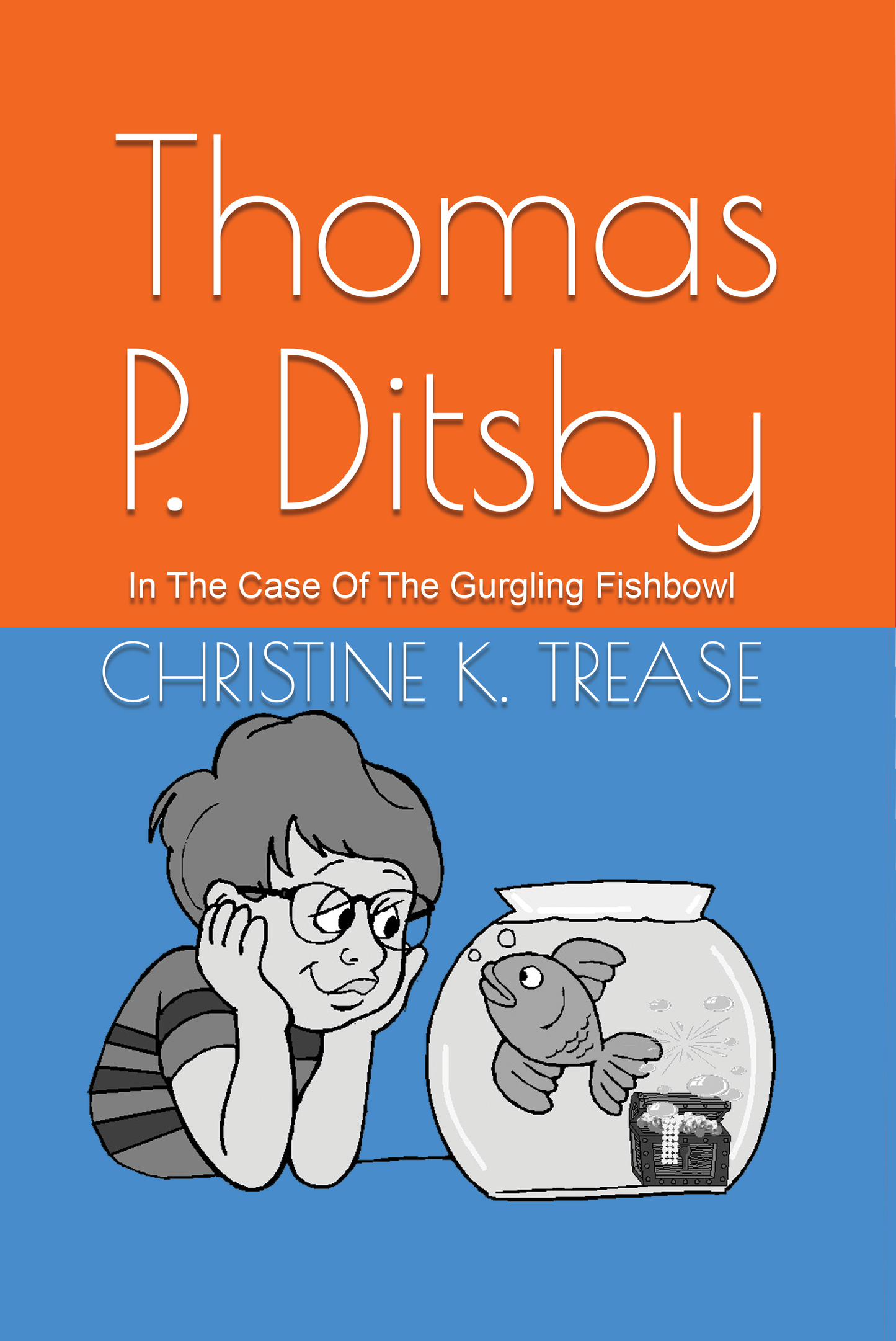
Book-As I Grow-Thomas P. Ditsby In The Case Of The Gurgling Fishbowl
Book-As I Grow-Thomas P. Ditsby In The Case Of The Gurgling Fishbowl
Couldn't load pickup availability
If you are purchasing a Digital Download of the book, see detailed instructions and links at the bottom of the description.
NOTE: If you are purchasing a digital download of this book, you MUST enter your email address at check out as this is how the link to download the file will be provided to you.
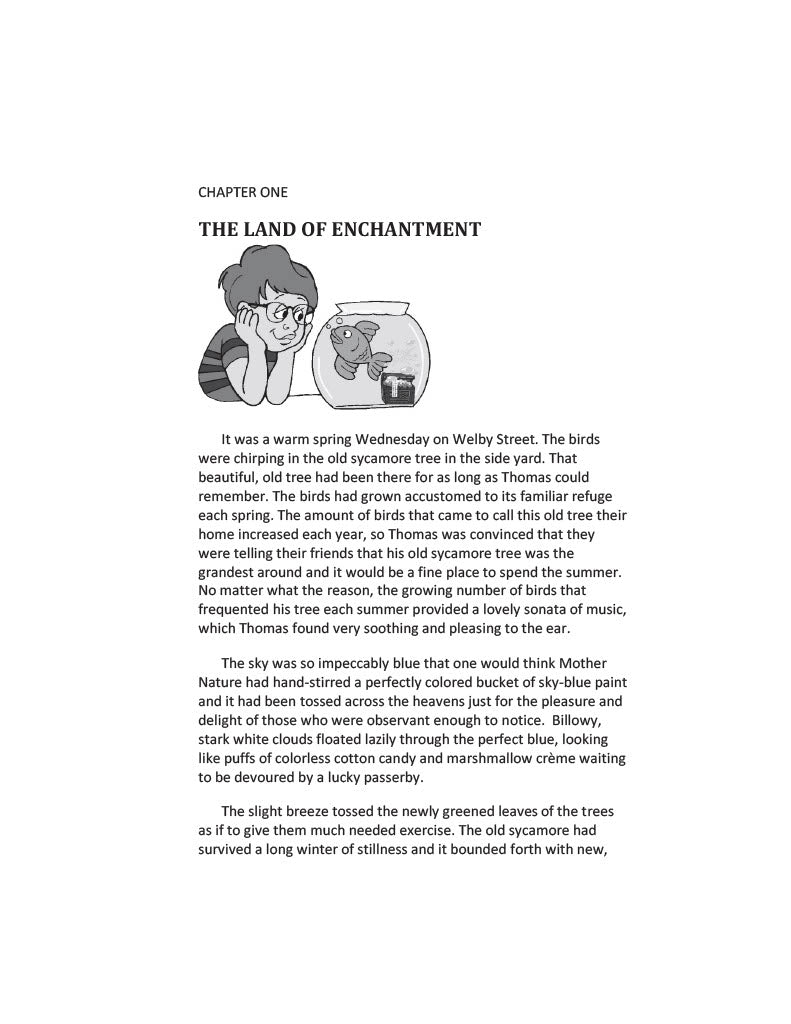
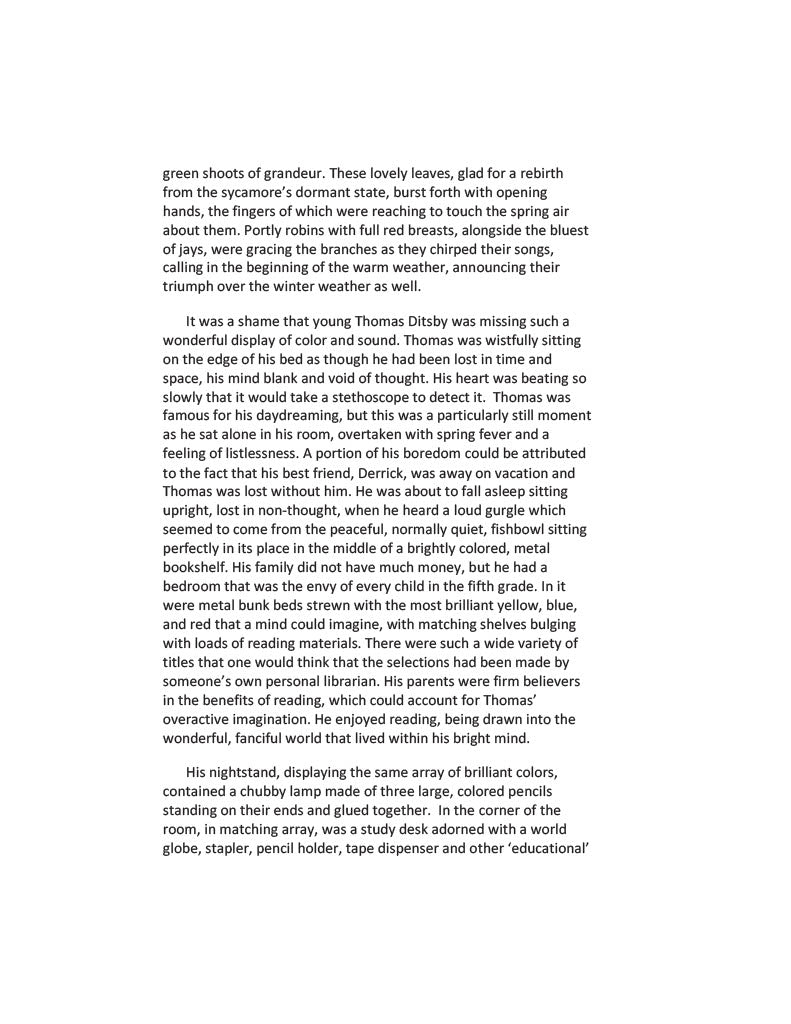
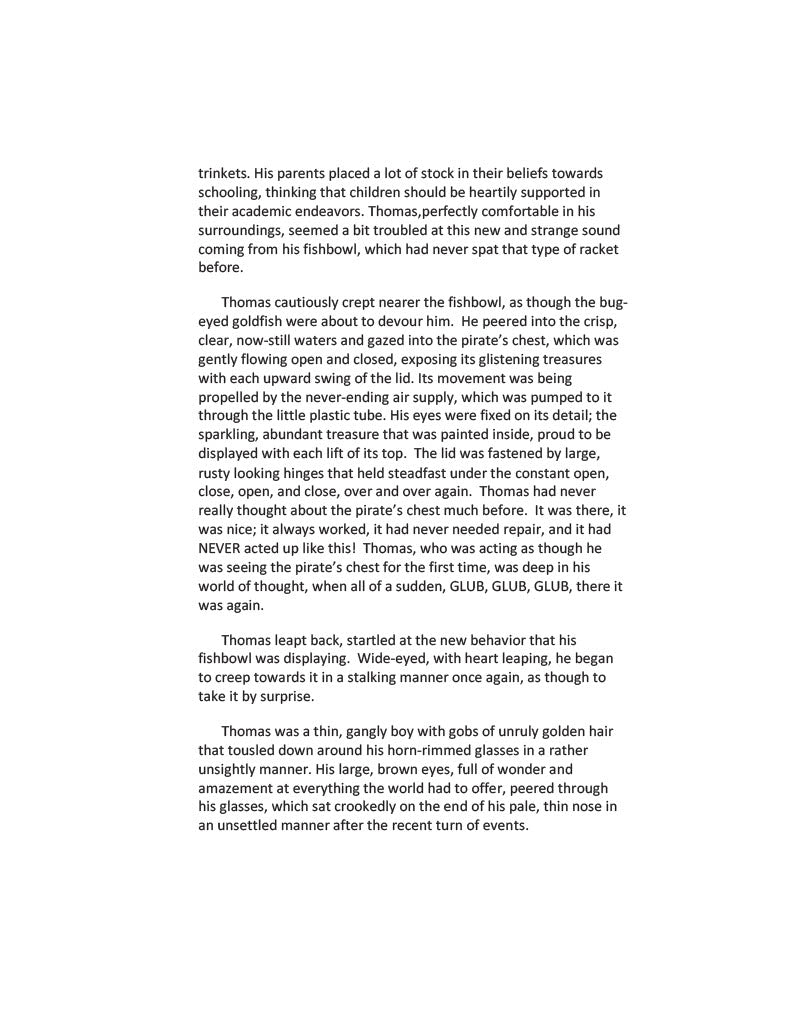
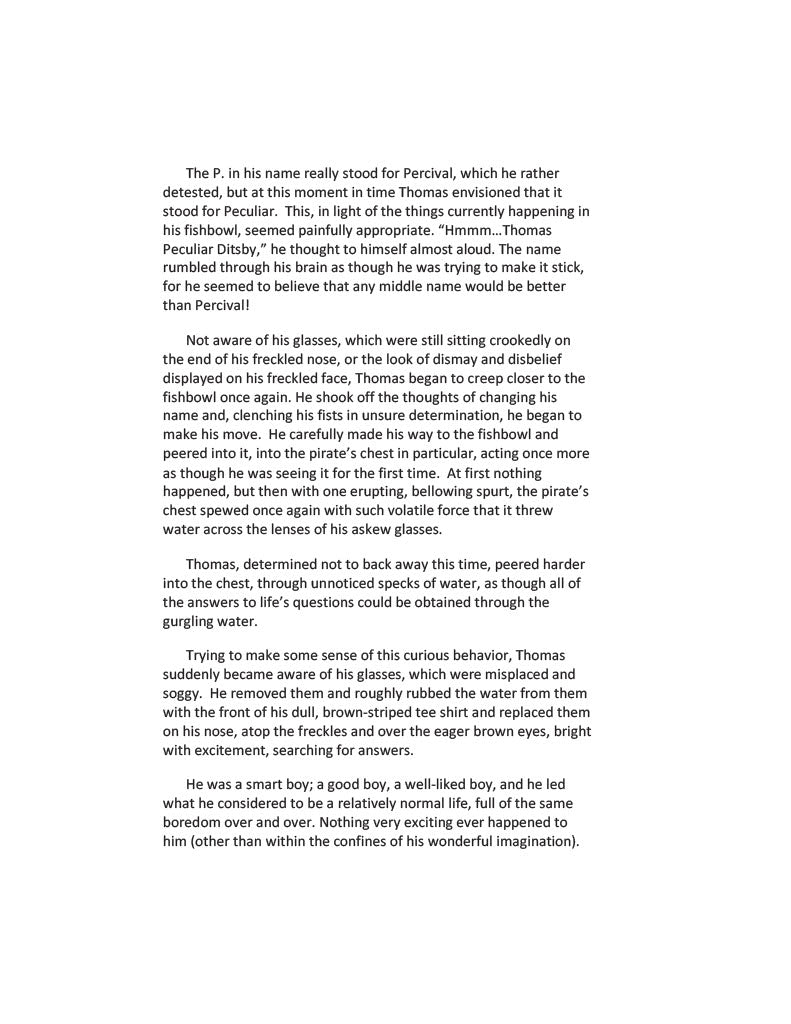
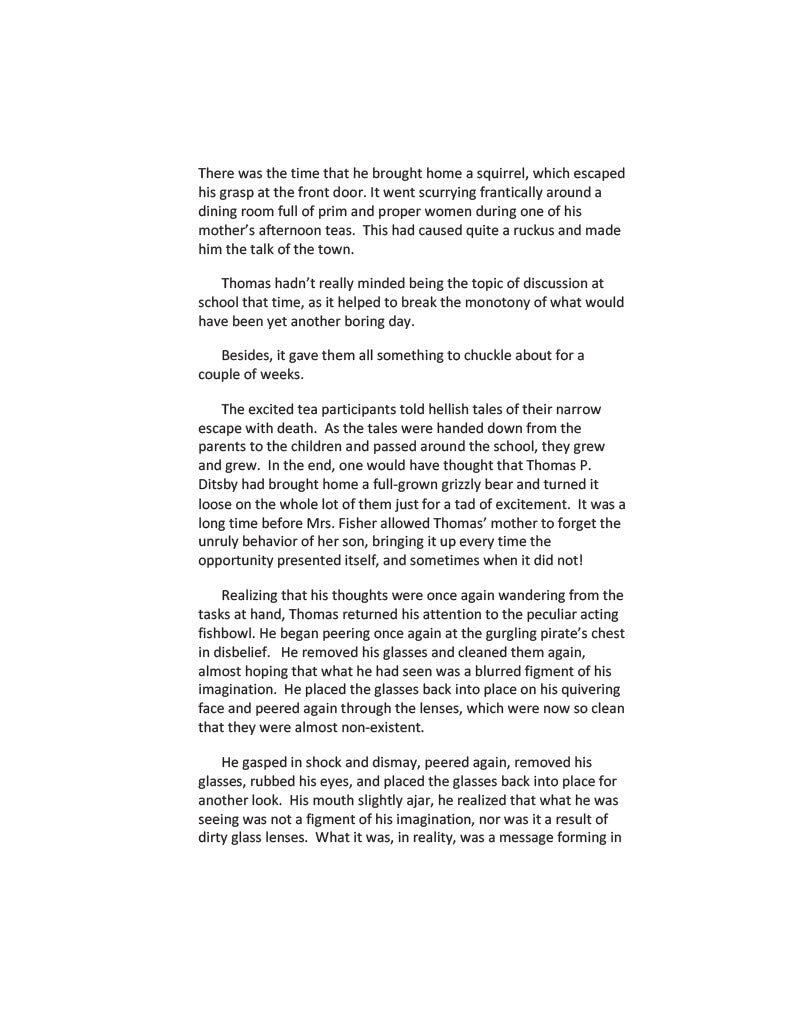
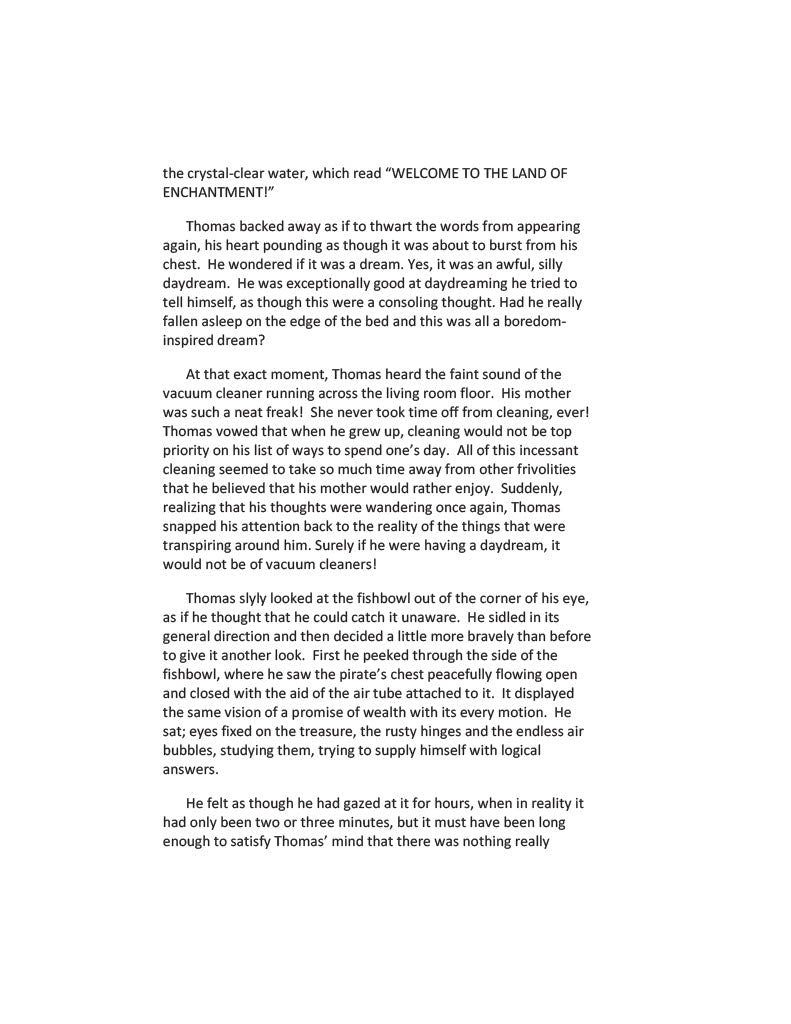
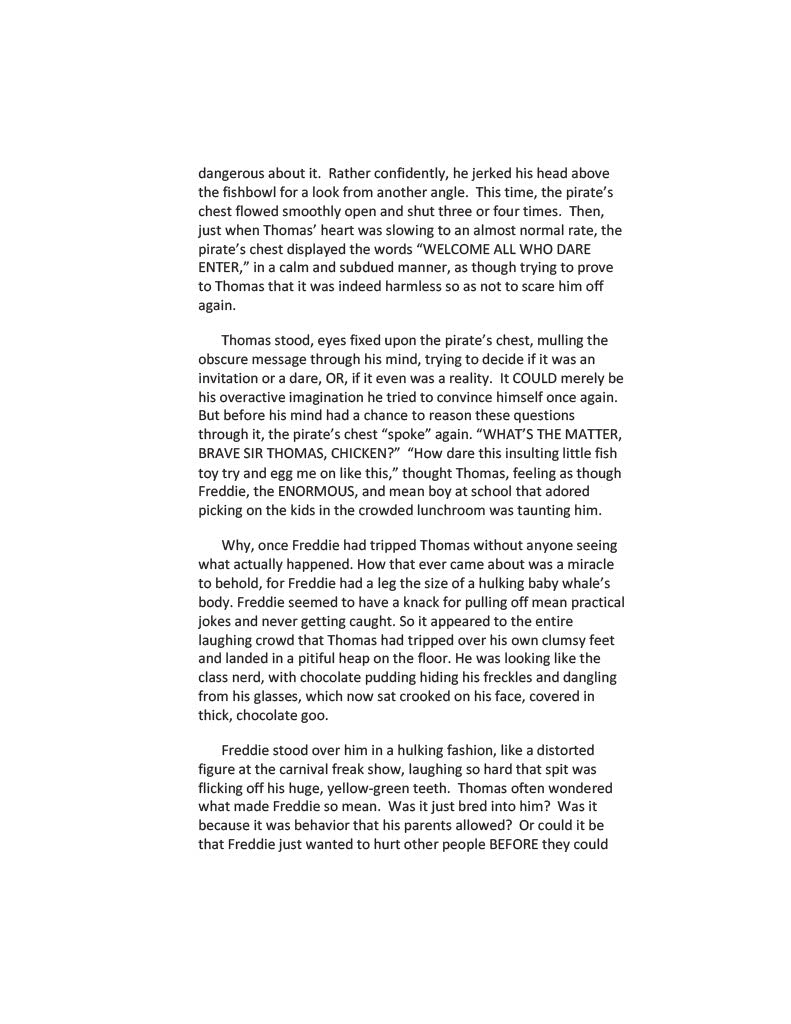
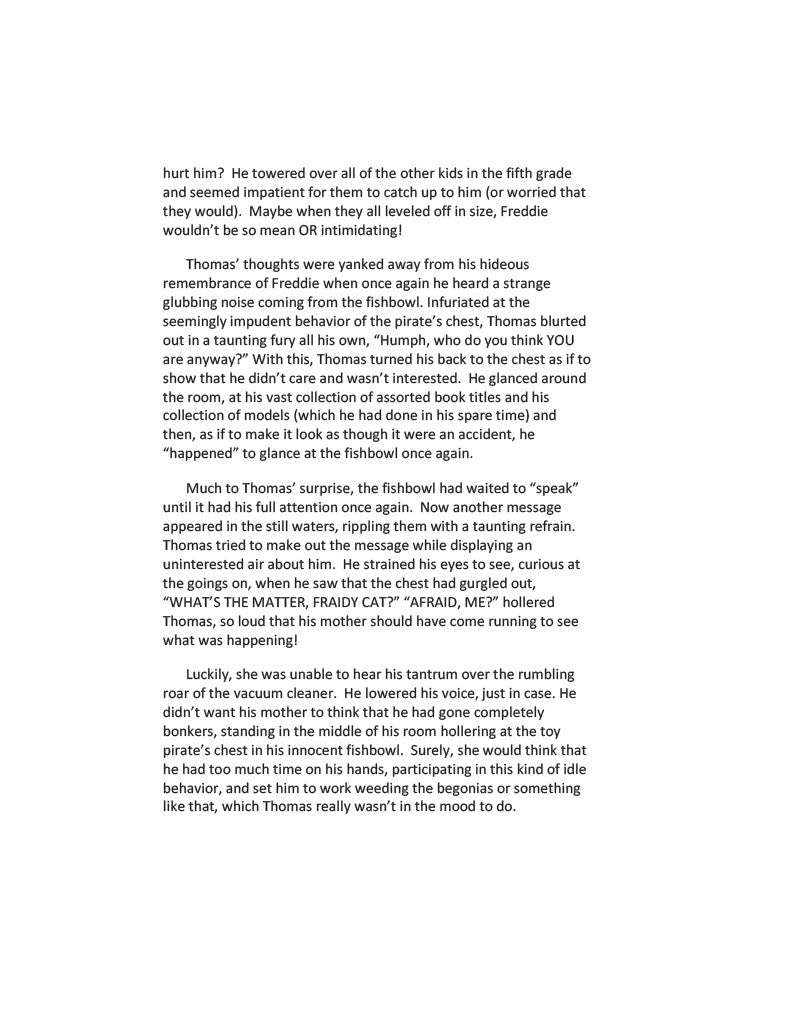
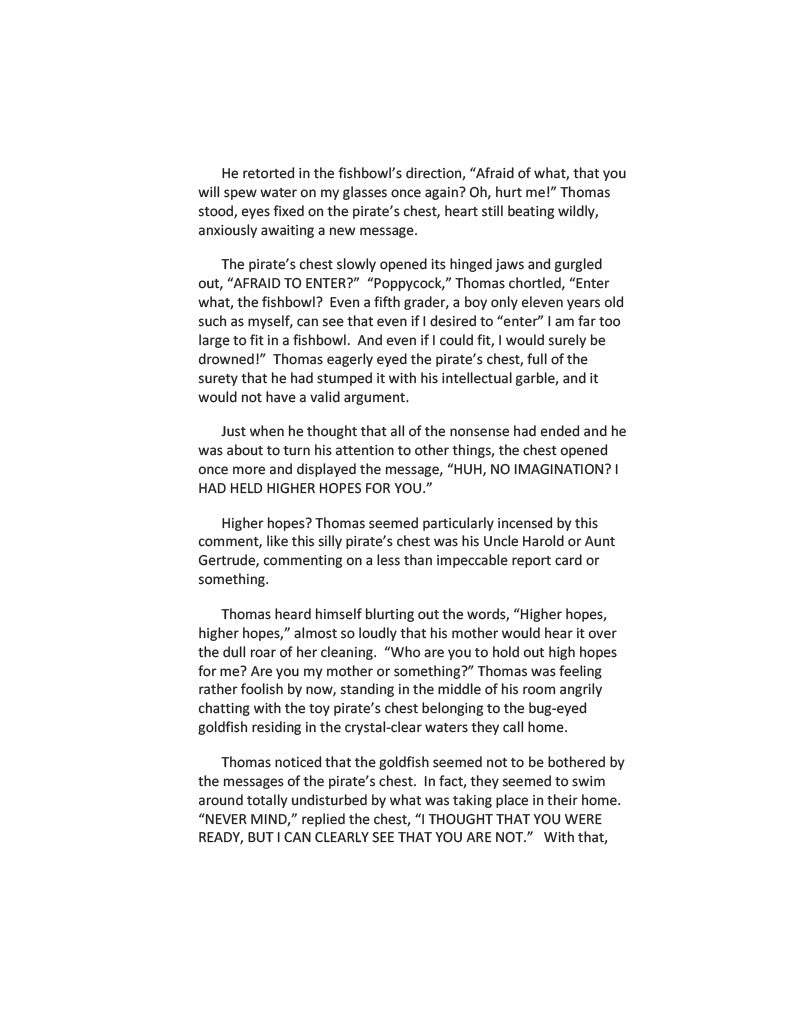
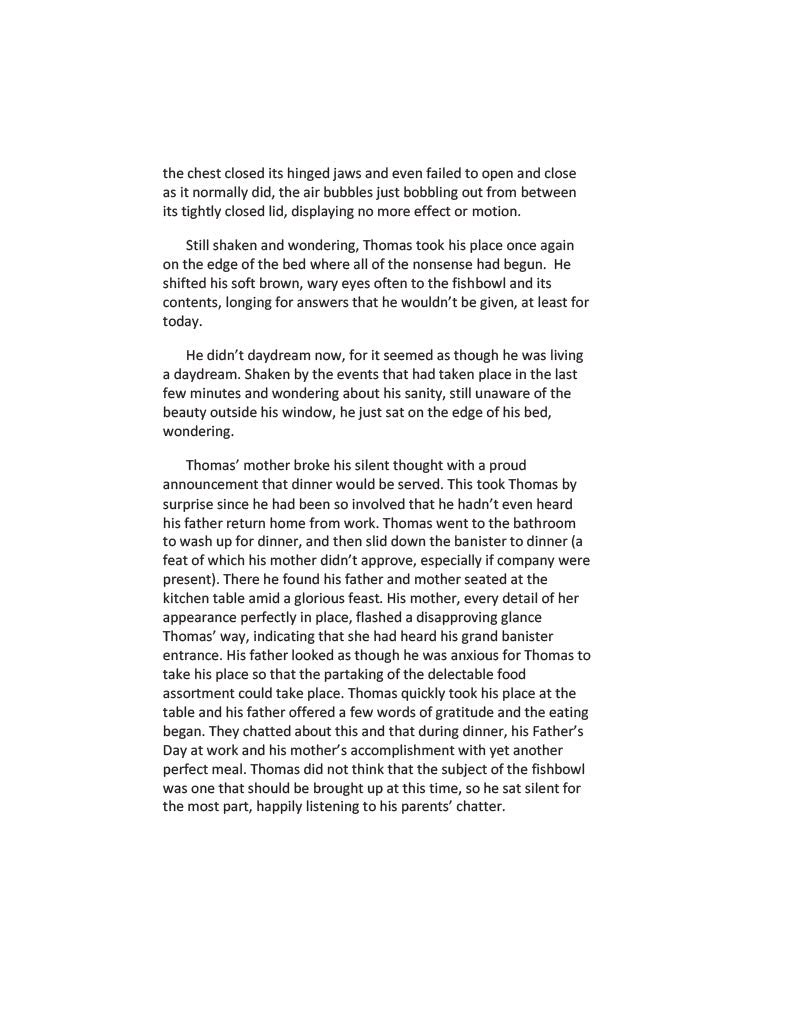
When Thomas P. Ditsby finds himself alone for a week while his best friend is away on vacation, all sorts of strange things begin happening to him.
Will he get to the bottom of this watery mystery? Read this delightful novel to find out.
Written by a new up-coming author this book has been compared to the Harry Potter series. Be one of the first to get your hands on this literary gem. Pre-teen interest material
To add a PDF to your Kindle app, use the "Send to Kindle" feature via email, the web browser (amazon.com/sendtokindle), or the app's share menu. Supported files appear in your library across devices. For best results, use the "convert" option in the email subject to enable Kindle formatting, or keep the original layout for PDF viewing.
Methods for Adding PDFs to Kindle App:
- Email Method (Best for Mobile/Desktop):
- Find your Send-to-Kindle email: Go to "Manage Your Content and Devices" on Amazon, then "Preferences," and look under "Personal Document Settings".
- Approve your email: Under the same settings, add your personal email address to the "Approved Personal Document Email List".
- Email the PDF: Attach the PDF file to an email and send it to your Kindle email address. Type "Convert" in the subject line to convert it to Kindle format.
- Send to Kindle Web:
- Go to amazon.com/sendtokindle.
- Sign in with your Amazon account.
- Drag and drop the PDF file into the web page, or select it from your device.
- Share from Phone/Tablet:
- Locate the PDF file on your device (iOS or Android).
- Select the Share button.
- Choose the Kindle app from the app list to send the document.
Important Notes:
- File Size: Email transfers are limited to 50 MB.
- Syncing: Ensure your Kindle app is connected to Wi-Fi to receive the file, which usually appears in a few minutes.
- File Types: Besides PDF, this works for DOC, DOCX, TXT, RTF, JPG, and EPUB files.
Featured collection
-
Example product title
Regular price From $3.00 USDRegular priceUnit price per -
Example product title
Regular price From $3.00 USDRegular priceUnit price per -
Example product title
Regular price From $3.00 USDRegular priceUnit price per -
Example product title
Regular price From $3.00 USDRegular priceUnit price per