
Digitized Ink Co.
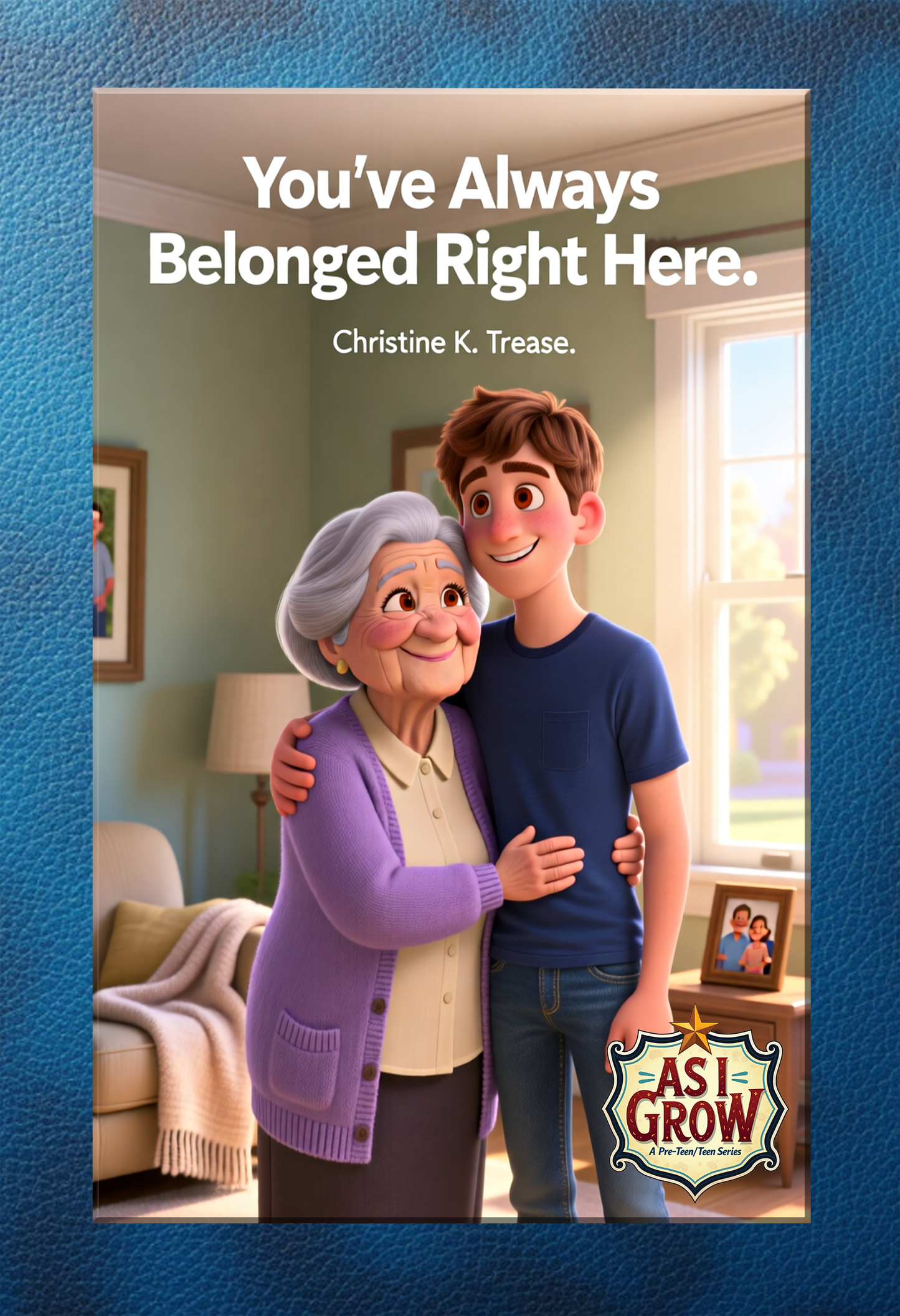
Book-As I Grow-You've Always Belonged Right Here
Book-As I Grow-You've Always Belonged Right Here
Couldn't load pickup availability
If you are purchasing a Digital Download of the book, see detailed instructions and links at the bottom of the description for instructions to add it to your digital book reader.
NOTE: If you are purchasing a digital download of this book, you MUST enter your email address at check out as this is how the link to download the file will be provided to you.
These books present a brand-new publication style for the recipient and the parent.
They contain coloring pages and doodle pages in the back of the book to serve as a remembrance of those times in your life. A visual journal if you will.
Doodling, coloring and drawing are not simply reserved for artists, it is an outlet for your thoughts and dreams. Never stop doodling!
This series is focused on approaching subjects that this age group might be grappling with. It is solace to know that someone out there might understand and, through rhyming verse, the books present compassion for the situation and reassurance that things can turn out right. Offering understanding, compassion and sometimes a bit of humor not to mention a place to doodle, (another great outlet) makes these books money well spent!
You’ve Always Belonged Right Here Synopsis: Adoption is a touchy subject for some children, and it is difficult as they struggle to gain answers to the tough questions. Why, who, when, where... It can sometimes make them feel as though they were disposable or second-rate. Family is not always blood; family are the ones that build a life with you and care for you. Sometimes the village are those people.
Click to hear a clip of the song
You can purchase other songs of mine. Just look up Christine K. Trease on your favorite streaming service and you can listen to or purchase all my other music.
To add a PDF to your Kindle app, use the "Send to Kindle" feature via email, the web browser (amazon.com/sendtokindle), or the app's share menu. Supported files appear in your library across devices. For best results, use the "convert" option in the email subject to enable Kindle formatting, or keep the original layout for PDF viewing.
Methods for Adding PDFs to Kindle App:
- Email Method (Best for Mobile/Desktop):
- Find your Send-to-Kindle email: Go to "Manage Your Content and Devices" on Amazon, then "Preferences," and look under "Personal Document Settings".
- Approve your email: Under the same settings, add your personal email address to the "Approved Personal Document Email List".
- Email the PDF: Attach the PDF file to an email and send it to your Kindle email address. Type "Convert" in the subject line to convert it to Kindle format.
- Send to Kindle Web:
- Go to amazon.com/sendtokindle.
- Sign in with your Amazon account.
- Drag and drop the PDF file into the web page, or select it from your device.
- Share from Phone/Tablet:
- Locate the PDF file on your device (iOS or Android).
- Select the Share button.
- Choose the Kindle app from the app list to send the document.
Important Notes:
- File Size: Email transfers are limited to 50 MB.
- Syncing: Ensure your Kindle app is connected to Wi-Fi to receive the file, which usually appears in a few minutes.
- File Types: Besides PDF, this works for DOC, DOCX, TXT, RTF, JPG, and EPUB files.
Featured collection
-
Example product title
Regular price From $2.00 USDRegular priceUnit price per -
Example product title
Regular price From $2.00 USDRegular priceUnit price per -
Example product title
Regular price From $2.00 USDRegular priceUnit price per -
Example product title
Regular price From $2.00 USDRegular priceUnit price per